ImagineArt - Build an AI App & Start Earning
- May 4
- 1 min read

Step 1: Open Workflow Builder
Go to ImagineArt and navigate to:
Workflows → Builder
This is where you start creating your application by defining its structure and logic.

Step 2: Create the Workflow
Choose the type of app you want to build.
For this example:Movie Scene Environment App
Then:
Upload a character image (user input)
Upload a scene/background image
Add a prompt that defines how the AI should combine them
This step forms the core functionality of your app.

Step 3: Test and Publish
Once your workflow is ready:
Add a title and optional description
Upload required assets (scene + character inputs)
Click Run App to test the output
Refine the result if necessary
After testing, click Publish App to make it live.

Step 4: Set Pricing
Before publishing, configure monetization:
Choose the number of credits per generation
Balance pricing between accessibility and revenue
This determines how much you earn per user interaction.
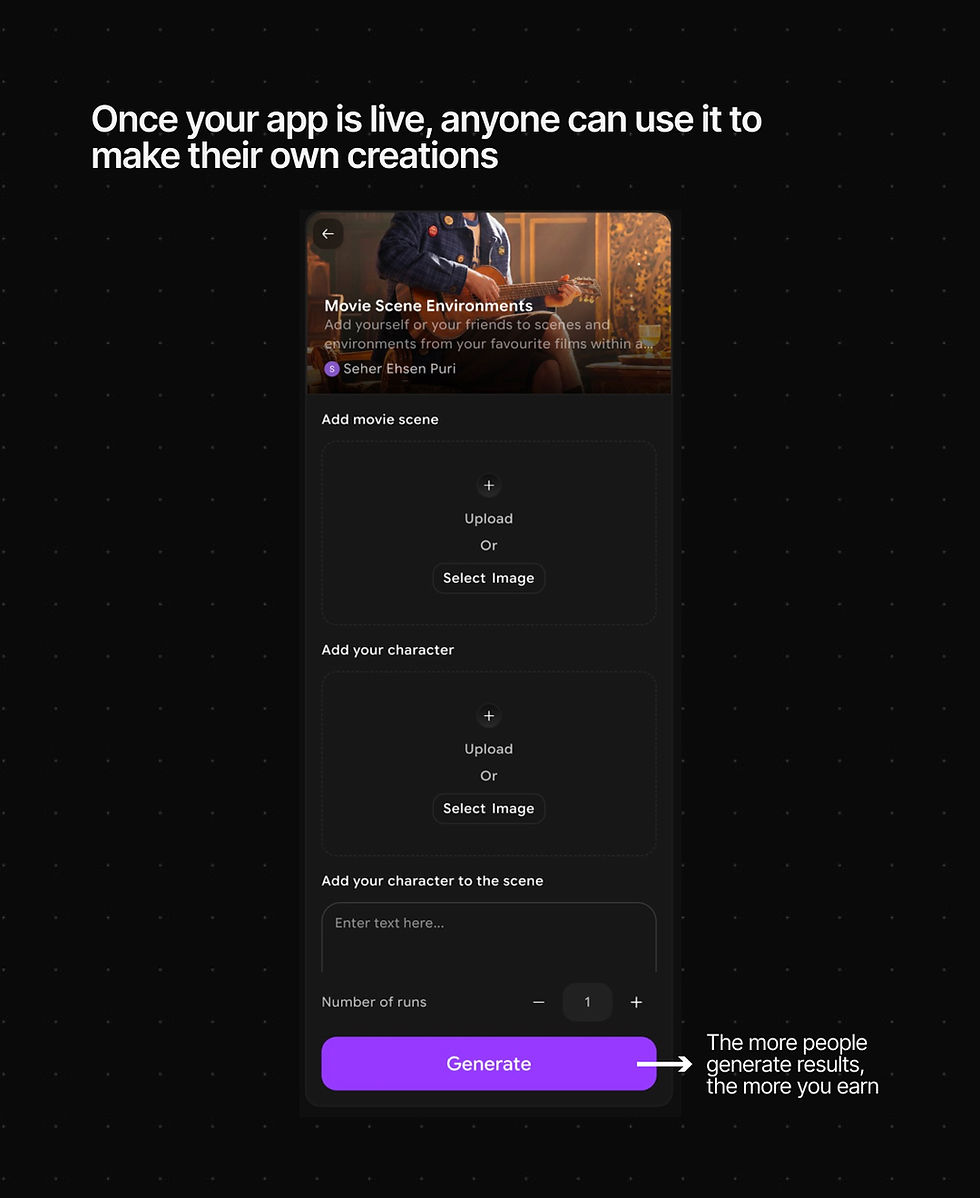
Final Step: App Goes Live
Once published:
Your app becomes accessible to users
Anyone can generate results using your workflow
Each usage earns you credits
Credits can be converted into monetary value
The more your app is used, the more you earn. Once your app is live, anyone can use it to create their own results — and the more people use it, the more you earn.
Comments